General Concepts
Settings
Every setting in Parallax, tab by tab.
Open Settings from the cog in the top bar. It has six tabs. Each tab has its own Save changes button, so changes you make on one tab are not saved until you press it on that tab. (The theme is the exception. It applies as soon as you click it.)
General
- Colour theme picks the look of the app. See Themes.
- Concurrent jobs is how many jobs of any kind run at once across the whole app. The default is 1. See Jobs.
- Account changes your username or password, and has Sign out everywhere. It is hidden if sign-in is turned off. See Account and sign-in.
- Statistics has Clear statistics, which wipes the totals on the Home page. It does not touch your libraries or files. See Home and statistics.
- Danger Zone has Purge all library data, with a confirmation. It removes every library, the list of files, thumbnails and the other things Parallax keeps about them. Your settings, downloaded AI models and statistics stay, and your files on disk are not touched. You can add libraries again afterwards.
Transcoder
- Concurrent video transcodes (per GPU) is how many files each graphics card works on at once during Compress and Toolbox. Without a graphics card it applies to the processor.
- Concurrent audio transcodes is how many audio files are processed at once. Audio always uses the processor.
The text on this tab also tells you which graphics cards Parallax found. See Hardware acceleration.
Keys & Accounts
- TMDB API key is needed to match TV shows and movies in Identify, and for the movie source in Subtitles search. A free key from the TMDB website is all it takes.
- Subtitle sync engine chooses between alass and ffsubsync for fixing subtitles that are out of time. alass is the default.
- Auto-sync downloaded subtitles runs the sync automatically after each subtitle is downloaded.
AI Models
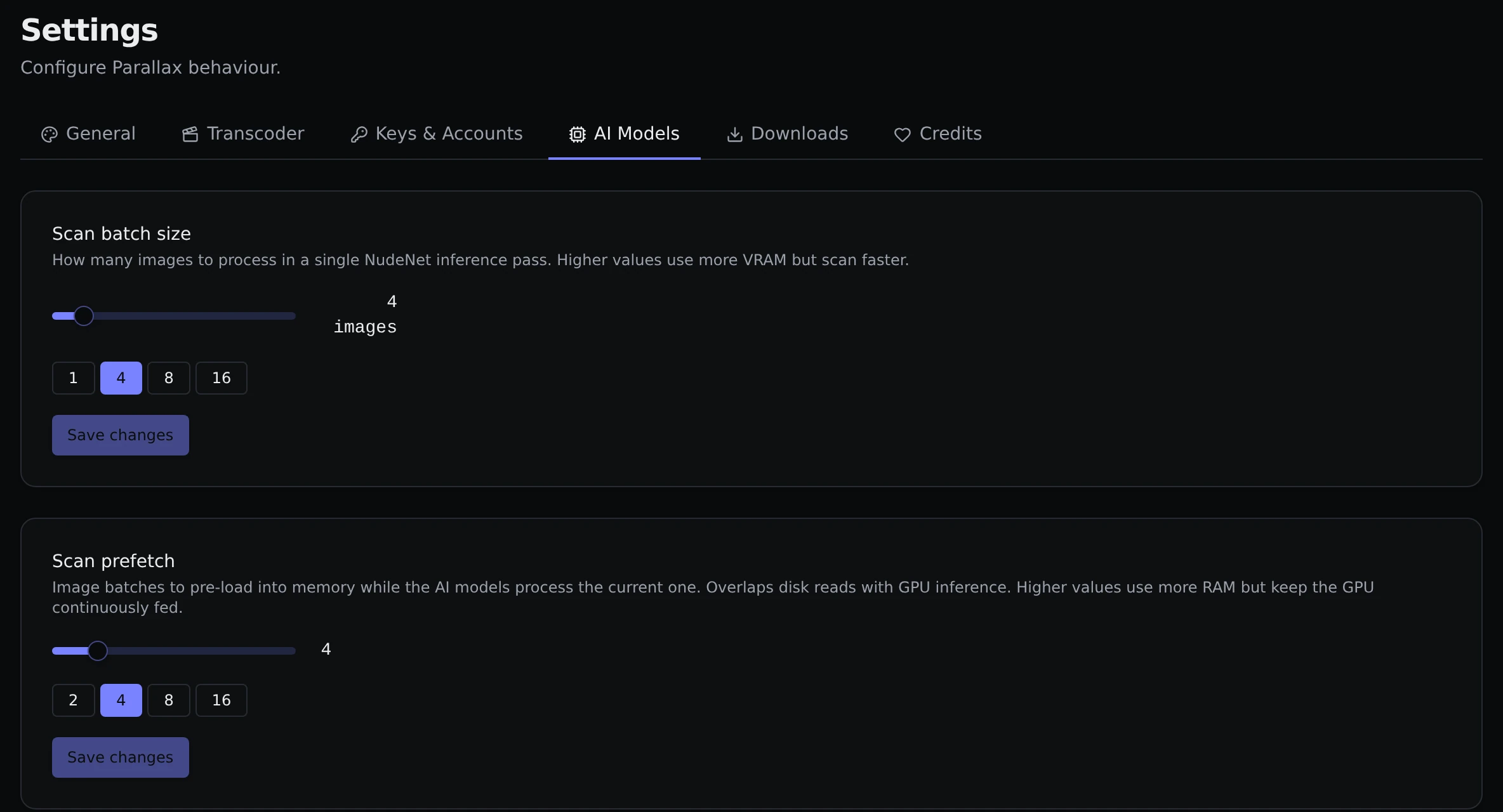
- Scan batch size is how many images are checked in one go by Content Review. Higher is faster and uses more memory.
- Scan prefetch is how many batches are loaded ahead of time while the current one is being checked. Higher keeps things moving and uses more memory.
- Content Detection (NudeNet) lists the available models. The standard one (320n) is built in. The larger one (640m) can be downloaded here with Download, and Use chooses which one is active. See Content detection.
Downloads
- Default download directory is where Downloads saves things unless you pick another folder on the page.
- Max concurrent downloads is how many links download at the same time.
- The download tool itself is installed here with Install (and brought up to date with Update). Release channel lets you follow the stable or nightly release.
Credits
A list of everything Parallax uses, adapts or was inspired by, with licences and links. It is the same list as the Acknowledgements page of this site.