Originals
The safety net behind Compress, Toolbox, Cleanup and Duplicates. Restore a backup, or delete it to get the space back.
Whenever Parallax changes or removes a file for you, it keeps the untouched version in a folder called _originals, right next to where the file was. The Originals page is where you look after those backups. Nothing in Parallax is final until you delete a backup here.
It is on Videos → Originals and Audio → Originals. Images have a similar page called Quarantine, which is covered further down.
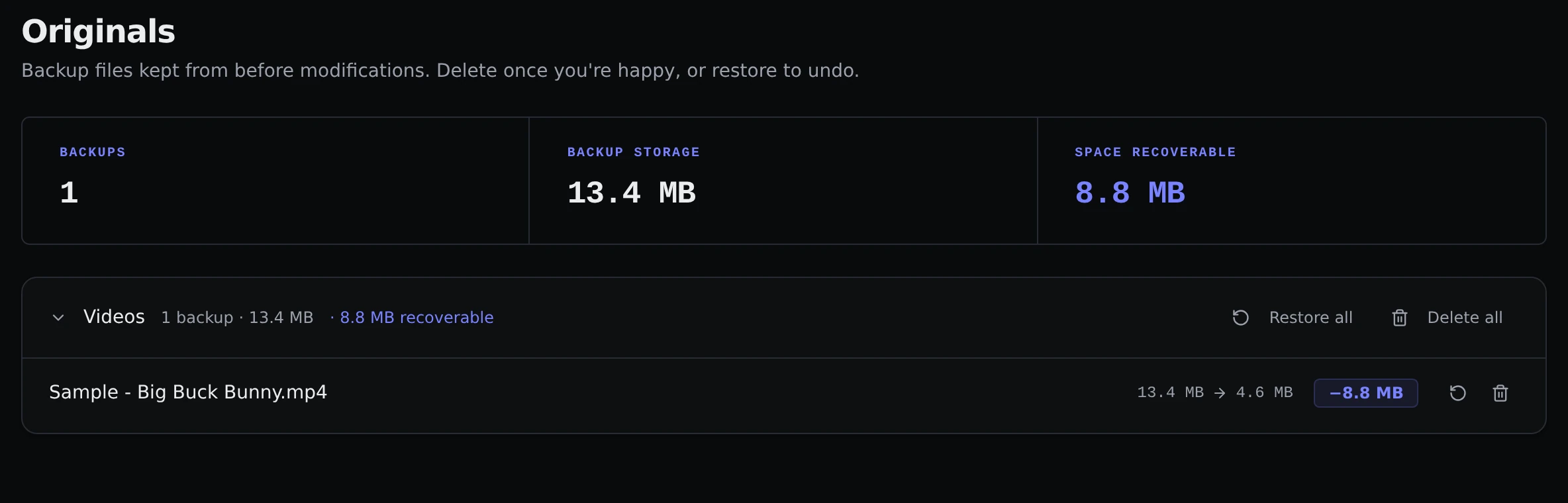
What you see
The top of the page adds up how many backups you have, how much space they use, and how much space you would get back by deleting them. Below that, backups are grouped by library, and each row shows the file name, its size before and after, and how much was saved.
Backups come from:
- Compress and Toolbox, which keep the old version when Keep originals is on.
- Splice, which always keeps the files you merged.
- Cleanup and Duplicates, which move the files you delete here instead of erasing them. These show a note saying the modified file is missing, because nothing took their place.
Restoring
The restore button on a row puts the original back where it was. If a compressed or fixed version is sitting there, it is replaced by the original. For a file removed with Cleanup or Duplicates, the file simply comes back. Restore all does this for a whole library after asking you to confirm.
Deleting
When you are happy with the results, delete the backups to free up the space. The delete button on a row removes that one, and Delete all removes every backup in the library after a confirmation. This is permanent.
Quarantined images
Images do not use _originals. When you set a picture aside from Content Review, Duplicates or the Images page, it goes to a _quarantine folder instead, and it shows up on Images → Quarantine.
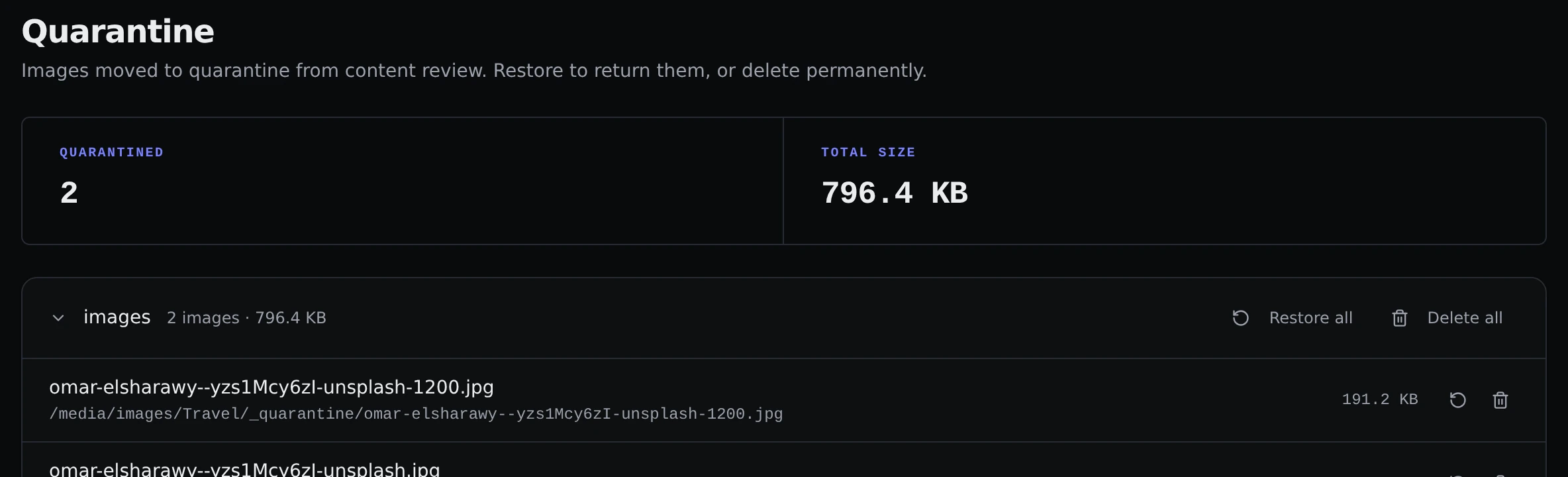
The page works the same way: restore a picture to put it back in its library, or delete it permanently. Deleting from here cannot be undone.
Leaving them alone
Parallax ignores _originals and _quarantine folders when it scans, so backups never show up as extra files in your library or get compressed again.